菜单栏
NexT提供了菜单栏配置,查询NexT _config.yml
# ---------------------------------------------------------------
# Menu Settings
# ---------------------------------------------------------------

# Usage: `Key: /link/ || icon`
# Key is the name of menu item. If the translation for this item is available, the translated text will be loaded, otherwise the Key name will be used. Key is case-senstive.
# Value before `||` delimiter is the target link, value after `||` delimiter is the name of Font Awesome icon.
# When running the site in a subdirectory (e.g. domain.tld/blog), remove the leading slash from link value (/archives -> archives).
# External url should start with http:// or https://
menu:
    home: / || home                     // 主页
    # about: /about/ || user            // 关于
    #tags: /tags/ || tags               // 标签
    #categories: /categories/ || th     // 类别
    archives: /archives/ || archive     // 存档
    #schedule: /schedule/ || calendar   // 日程表
    #sitemap: /sitemap.xml || sitemap   // 站点地图
    #commonweal: /404/ || heartbeat     // 404页面

# Enable / Disable menu icons / item badges.
menu_settings:
    icons: true
    badges: false
默认开启了主页和存档选项
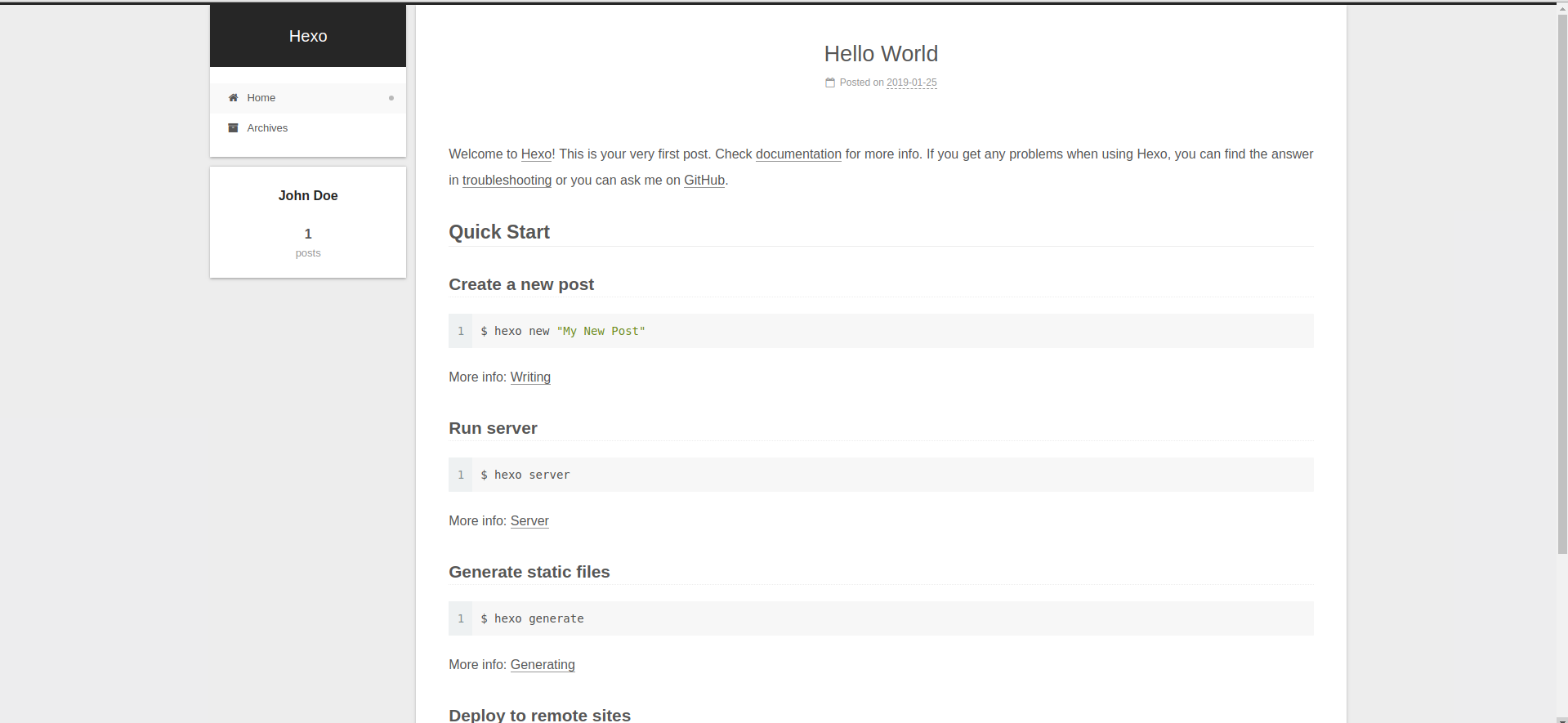
对需要的菜单项取消注释,就可以在页面上看到相应选项,同时还需要对一些选项进行配置
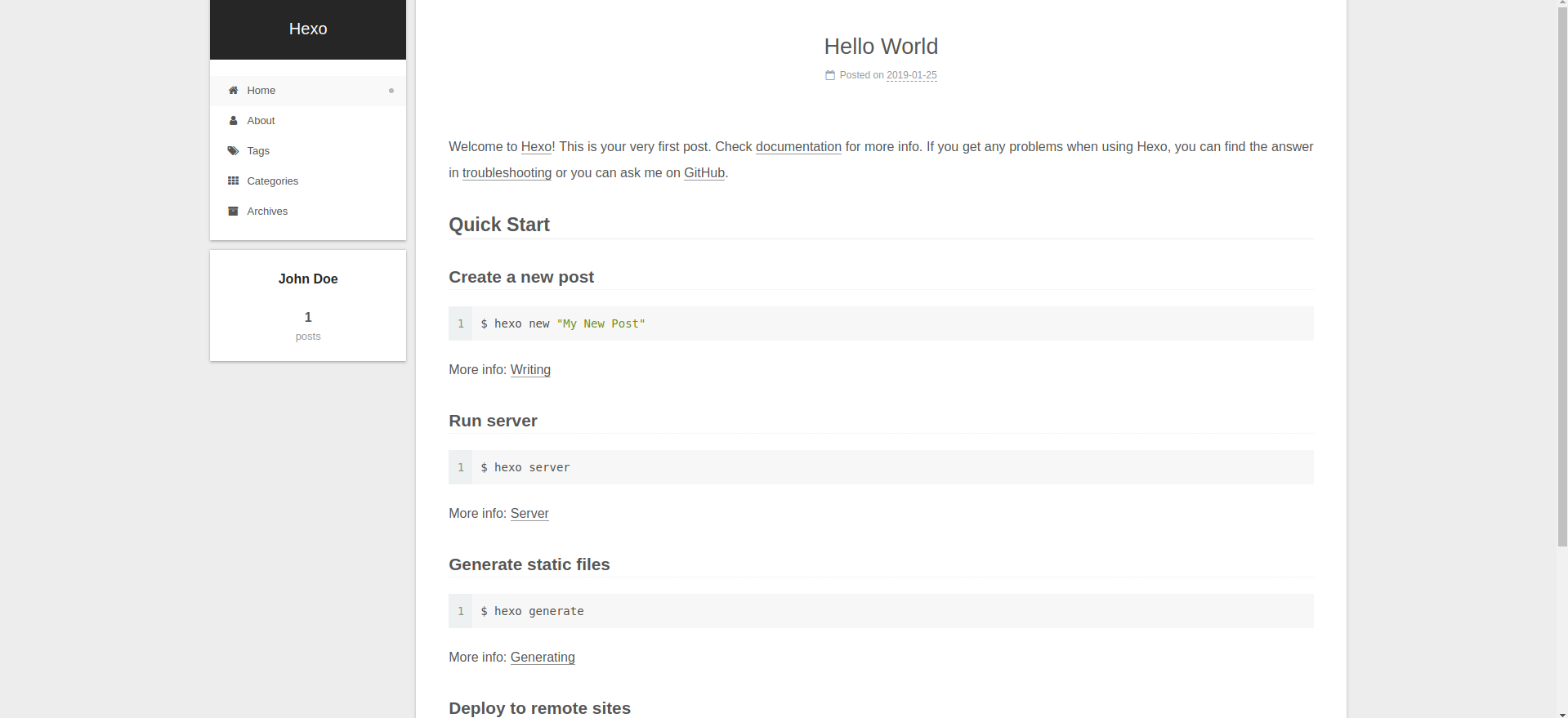
- 点击
about选项需要读取/public/about/路径下的index.html文件 - 点击
tags需要读取/public/tags下的index.html文件,类别选项同理
默认情况下这几个路径下的index.html文件为空,需要手动创建
icons & badges
默认设置icons为true,将会在菜单栏显示图标(图标内容通过|| home、|| user方式设置)
Usage: `Key: /link/ || icon`
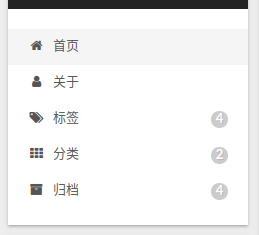
如果设置badges为true,将会显示在菜单栏中显示对应数目,比如显示标签条目中的标签个数,存储条目中的文章数目
about
新建页面
hexo new page about
在source文件夹下生成文件夹about,其文件结构如下
.
├── index
└── index.md

1 directory, 1 file
修改index.md文件的front-matter,同时可以添加内容
---
title: 关于
date: 2019-01-23 23:30:47
tags: about
---

...
...
也可以手动在source目录下建立相应文件夹以及相应文件
标签&类别
与about选项操作类似,新建页面文件tags和categories,同时修改其.md文件
# tags.md
---
title: 标签
date: 2019-01-23 23:26:43
type: tags
---
# categories.md
---
title: 类别
date: 2019-01-23 23:27:04
type: categories
---
注意 1:需要手动添加type: xxx
注意 2:需要手动设置中文title
其他
关于日程表、站点地图、404页面,在后续部分讲解